How to Post a Free Classified Ad on ClassiEra – Step by Step Guide
hafeezahmed4me@gmail.com June 1, 2026 No Comments
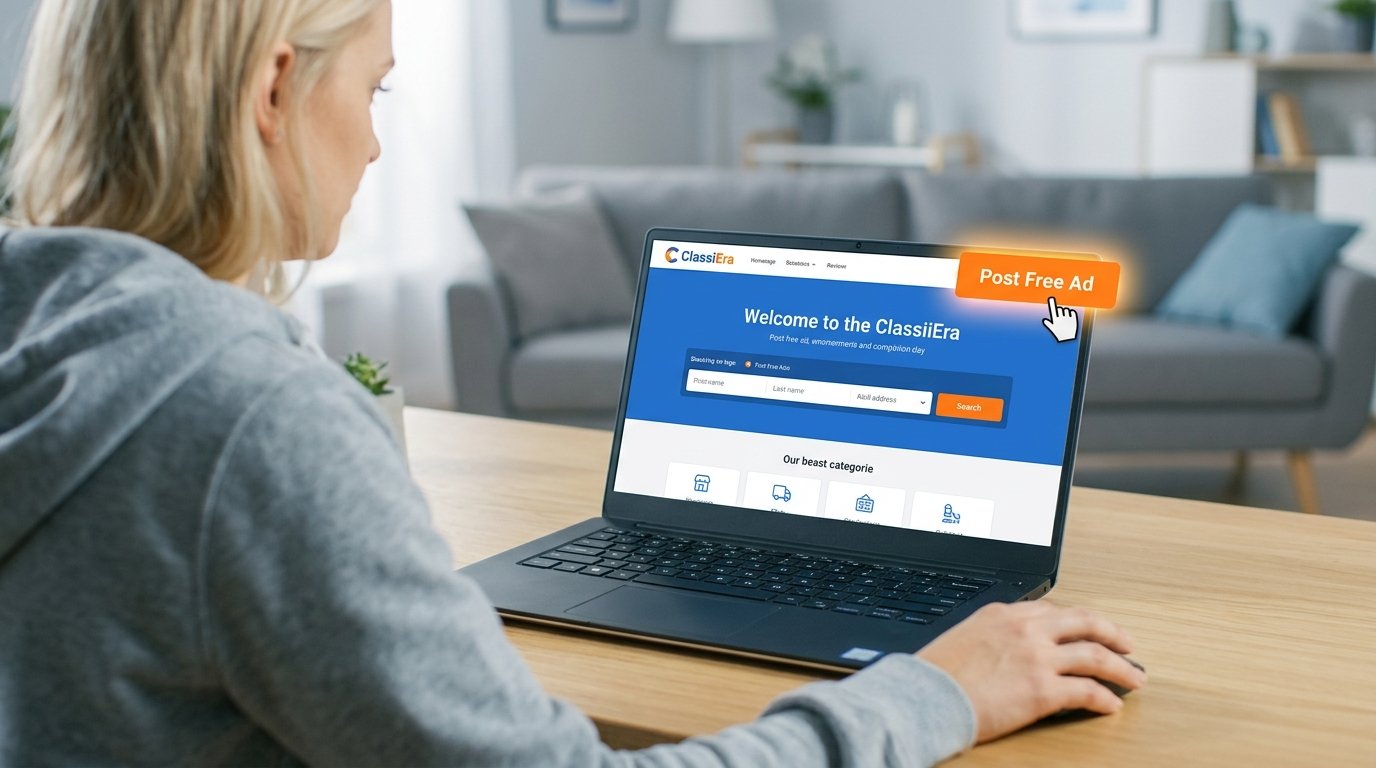
Are you looking to sell your car, mobile phone, property, or any other item online? ClassiEra is the perfect platform for posting free classified ads in the UK and worldwide. In this guide, we will walk you through the complete process of posting your first ad on ClassiEra.
What is ClassiEra?
ClassiEra is a modern online classifieds platform where buyers and sellers can connect easily. Whether you want to sell a used car, find a job, rent a property, or buy electronics, ClassiEra has a category for everything.
Step 1: Create Your Account
Visit ClassiEra and click on the Register button. Enter your name, email address, and password to create your free account. After registration, verify your email to activate your account.
Step 2: Click on Post Your Ad
Once logged in, click the “Post Your Ad” button on the top of the homepage. This will take you to the ad submission page.
Step 3: Select Your Category
Choose the most relevant category for your item. ClassiEra offers categories including Vehicles, Electronics, Real Estate, Jobs, Pets, and more.
Step 4: Fill in Ad Details
Add a clear and descriptive title, write a detailed description, set your price, and add your contact information including phone number and WhatsApp.
Step 5: Upload Photos
Upload up to 3 high quality photos of your item. Good photos attract more buyers and help your ad stand out.
Step 6: Set Your Location
Select your country, state, and city to help local buyers find your ad easily.
Step 7: Submit Your Ad
Click the Post Ad button and your listing will go live immediately. Start receiving calls and messages from interested buyers!
Tips for a Successful Ad:
- Use clear and honest photos
- Write detailed and accurate descriptions
- Set a fair and competitive price
- Respond to inquiries quickly
- Keep your contact information updated
Start selling today on ClassiEra and reach thousands of buyers in your area!
Leave a Comment
Your email address will not be published. Required fields are marked. *